
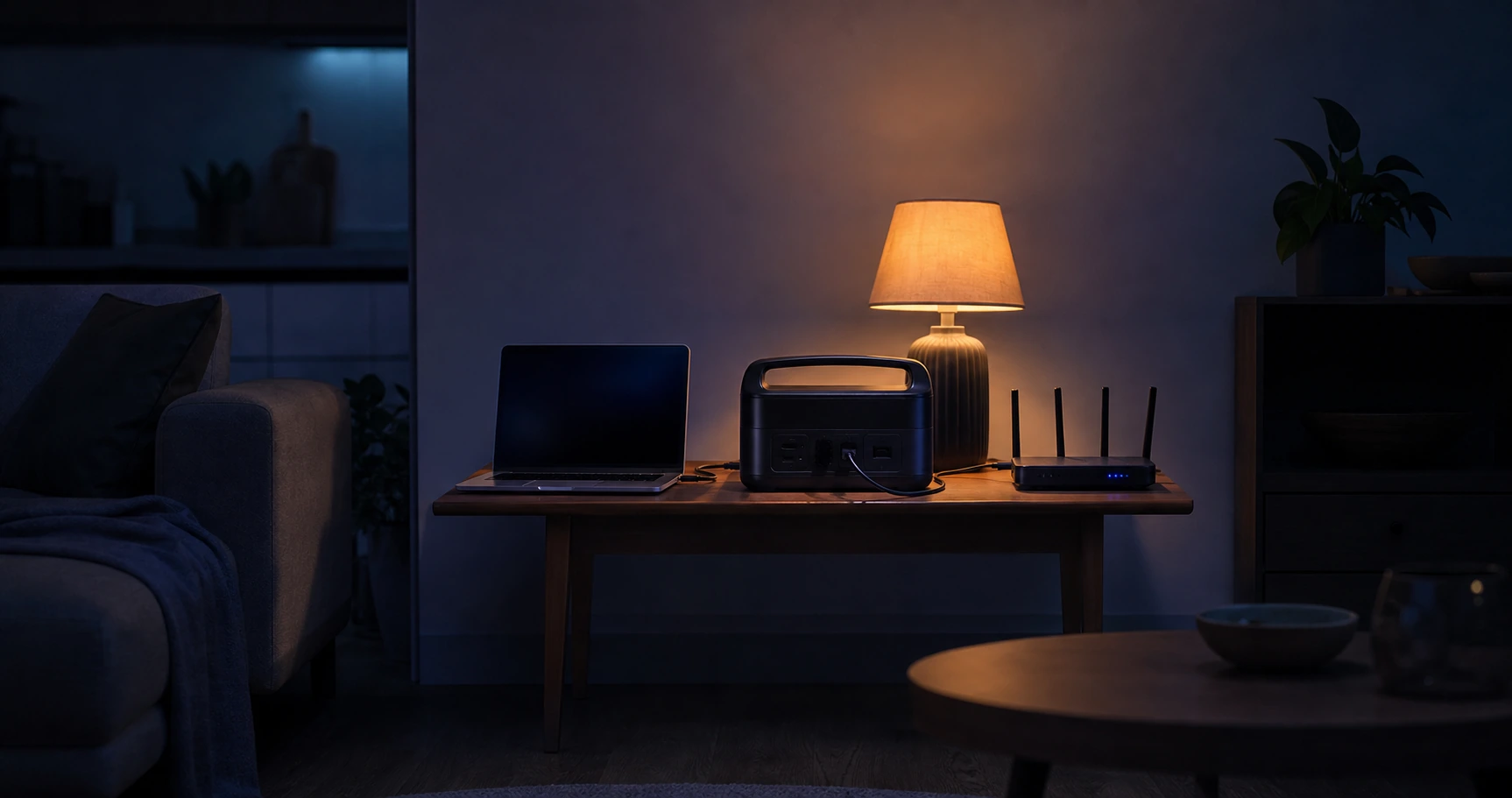
The lights go out at 09:00, and the schedule on your fridge door says they will not be back until the afternoon. A small office UPS under the desk beeps, holds the computer for a few minutes, then gives up. That is the heart of the problem: most people search for a UPS (ДБЖ) because it is the familiar word, but the device behind that word was built to bridge a gap of minutes, not to carry a home through outages that now run for hours. The good news is that the longer problem has a calmer, cheaper, and more durable answer than buying a bigger beeping box. This guide explains what a UPS is genuinely good for, why lithium storage has become the better backup layer for Ukrainian homes, and how to choose the right size by what you actually need to keep running. Genixgreen has built LiFePO4 storage systems in its own factory since 2011 and supplies distributors in 100+ countries, and the aim here is a single page a dealer can hand to a customer as their starting map.
The short answer
A traditional UPS bridges an outage of minutes; today’s scheduled outages run for hours, so the durable answer is a LiFePO4 battery sized to the job, not a short-runtime UPS box. Choose by what you must keep on, in three tiers: a small DC unit to keep the internet alive, a portable power station for phones, light, and a laptop, or an inverter-plus-battery system for the whole home. Pick the tier from your load, not from the word “UPS”.
Why a traditional UPS falls short today
A UPS solves the wrong length of problem for Ukraine in 2026. It was designed for a different failure, and understanding that design gap is the first step to buying the right thing once.
What a UPS was actually designed for
A traditional UPS exists to cover the seconds and minutes between a power cut and either the return of the grid or an orderly shutdown. Its classic job is to keep a desktop computer or a server alive long enough to save work and switch off safely, or to hold a system until a standby generator starts. For that job it is excellent: switchover is instant, and the run time it promises, often a handful of minutes, is all the job needs. The trouble begins when the outage is not a brief glitch but a planned block of several hours, because the device was never built to run that long.
How long outages actually last now
Scheduled outages in Ukraine are measured in hours, not minutes, and they repeat on a published timetable that varies by region and season, as the IEA documents. A single window commonly runs for several hours, and the hardest winter days stack several windows together. The practical takeaway is to plan around your own region’s schedule rather than a national average: check the timetable your operator publishes, note the longest single window you typically face, and size your backup for that, with some margin for a worse day. A device rated for minutes cannot meet a need measured in hours, no matter how good it is at the job it was built for.
The lead-acid limit inside most UPS boxes
Most affordable UPS units store their energy in a sealed lead-acid battery, and that chemistry sets a hard ceiling on what the box can do. A lead-acid battery only delivers about half of its rated capacity before deep discharge starts to damage it, so a large share of what you paid for is unusable, as Battery University (BU-201) explains. It also tolerates relatively few full cycles before its capacity fades, which matters a great deal when the grid cuts out every single day rather than twice a year. LiFePO4 chemistry, by contrast, delivers a much larger usable share of its capacity and lasts for many times more cycles, which is why it has become the default for daily-use home backup. The chemistry difference is covered in depth in our LiFePO4 vs. lead-acid guide.
Traditional UPS vs LiFePO4 plus inverter, compared honestly
Neither technology is “bad”; they are built for different lengths of outage. The table below sets them side by side on the five things that decide which one fits a home living with daily, multi-hour cuts. Read it as a match between the tool and the job, not as a contest.
| Dimension | Traditional UPS (lead-acid) | LiFePO4 + inverter system |
|---|---|---|
| Run time | Minutes (built to bridge a short gap or allow shutdown) | Hours to a full day, sized to the load you choose |
| Usable capacity and life | About 50% usable; relatively few cycles before fade | About 80% or more usable; many times the cycle life |
| Scalability | Sealed box, capacity is fixed at purchase | Add battery capacity or solar as needs grow |
| Cost over time | Low up front, replaced more often (frequent battery swaps) | Higher up front, lower cost across its service life |
| Wartime adaptability | Needs the grid to recharge; idle once its short charge is spent | Recharges from solar during long outages; discharges in the cold |
The pattern is consistent: a UPS wins on instant switchover and low purchase price, and a LiFePO4 system wins on everything that a long, repeated outage actually stresses. For a household that loses power for minutes once in a while, a UPS is fine. For a household on a daily blackout schedule, the LiFePO4 system is the one that keeps working into hour three and recharges itself when the sun comes up.
Why we do not sell traditional UPS boxes
Genixgreen does not make or sell short-runtime UPS units, and it is worth saying that plainly rather than steering you toward one. We build LiFePO4 storage, so our honest recommendation is shaped by what we think actually solves a multi-hour outage, and a sealed lead-acid box is not it. If your only need is to hold a desktop for a few minutes during rare, brief glitches, a basic UPS from a general electronics shop will serve you, and you do not need anything we make. If your outages run for hours on a schedule, read on, because the right answer is a battery matched to your load.
Three honest tiers, by what you need to power
The single most useful decision you can make is to choose your backup by the load you must keep on, not by a product category. Three tiers cover almost every home, and they differ mainly in how much they power and for how long. Many households end up combining two of them.
Tier 1: keep the internet on
If your priority is staying online (work calls, banking, messages, news during an alert), the load is tiny. A home router and an ONT together usually draw somewhere between 8 and 25 W, which a small, inexpensive battery can cover for a standard outage. The neat option here is a DC mini-UPS that feeds the router its own voltage directly, with no inverter in the path and no reboot at the moment power cuts. This is the cheapest way to solve the most common need, and we walk through it device by device in our dedicated guide on backup power for your router and ONT.
Tier 2: essentials through a long outage
If you want phones charged, a laptop running, LED lights, and the network gear through a multi-hour window, a portable LiFePO4 power station is the natural fit. These are self-contained units with a battery, a built-in inverter, AC sockets, and USB and DC outputs, with capacities from around 500 Wh upward for home use. They need no installation, they recharge from a wall socket or a solar panel, and the LiFePO4 chemistry gives a long service life and a safer thermal profile than older lithium-ion types. This tier suits renters and apartments that want more than just internet but do not want an installed system. If the same essentials have become a permanent need, compare the next step in our home backup power kit guide.
Tier 3: whole-home backup
If you want the fridge cold, the gas boiler’s controller running, lights across the home, a water pump, and several rooms working at once, you are looking at an inverter-plus-battery system wired to a critical-loads panel. It powers the whole home rather than a single device, it scales as you add battery capacity, and it pairs naturally with solar for outages that run long or land back to back. Sizing it correctly is its own task, covered in our whole-home backup power guide, and if you are weighing it against fuel-based backup, see battery storage vs a diesel generator. For the two loads that often set this tier, use our dedicated guides to fridge backup power and gas-boiler backup power. If the issue is unstable grid voltage rather than an outage, start with voltage stabilizer versus solar inverter. A note on the internet during a whole-home outage: a large inverter is inefficient at running a 15 W router alone, so many homes keep a small Tier 1 unit on the router and the big system for everything else.
How to size your backup: a method, not a number
Ignore the run time printed on a product box, because it is a best case under ideal conditions. Estimate your own instead, using two figures you can read off your devices: the battery’s usable energy and your load.
Runtime (hours) = (Battery Wh × DoD × Efficiency) ÷ Load (W)- Battery Wh: the rated capacity printed on the battery or unit.
- DoD (depth of discharge): how much you can safely use, around 0.80 for LiFePO4.
- Efficiency: roughly 0.97 for a DC unit that feeds DC straight to the device, or roughly 0.90 for a power station using an AC inverter.
- Load (W): add up the wattage of everything you want to run, read from the labels.
Illustrative example (use your own numbers). Suppose you want to run a 15 W router-and-ONT pair plus a 10 W LED lamp, a 25 W load in total, from a 500 Wh LiFePO4 power station on the inverter path. The estimate is 500 × 0.80 × 0.90 ÷ 25, or roughly 14 hours. Swap in a fridge that averages 100 W and the same battery gives a far shorter figure, which is exactly why whole-home loads need Tier 3 capacity. These are illustrations, not promises: your real run time depends on your devices, the battery’s true capacity, and the temperature, so always size from your own labels.
Using lithium backup safely indoors
A small power station or mini-UPS still stores energy and can present electrical and fire hazards. Capacity alone does not establish safety. Choose documented equipment, follow its charging and installation limits, keep escape routes clear, and stop using damaged or abnormal equipment.
Choose certified products
Look for CE marking and compliance with IEC 62619, the safety standard for lithium cells in stationary use. Cells intended for transport should also meet UN 38.3. Avoid any product with no certification marks and no identifiable manufacturer, because the cells and the protection circuit are exactly where a cheap unit cuts corners. LiFePO4 chemistry is meaningfully safer for indoor use than older lithium-ion types, with a higher thermal-runaway threshold.
The cold-charging rule for Ukrainian winters
A LiFePO4 battery must not be charged below 0 °C. Charging below freezing causes lithium plating, where metallic lithium builds up on the anode, permanently cutting capacity and risking an internal short, as Battery University (BU-410) sets out. This is a chemistry limit, not a soft suggestion. A good battery management system (BMS) blocks charging automatically below 0 °C and resumes once the cells warm up. The same battery still discharges in the cold, typically down to around minus 20 °C with reduced capacity, so it will keep your devices running on a freezing night; it simply must be charged somewhere warm. The practical rule for winter: keep the battery indoors in a heated room, not on a balcony, in an unheated stairwell, or in a garage. Some larger systems include built-in heating that allows cold-temperature charging, so check the specification if that applies to you.
What needs an electrician
A power station or DC mini-UPS intended for consumer plug-in use may be connected as its manufacturer instructs, using compatible equipment and an appropriate outlet where required. Plug-in use is not a blanket safety guarantee; check the product instructions, protection and location requirements. Never use an improvised connection to feed household wiring. Any hardwired system tied into your home’s mains wiring, which includes a Tier 3 inverter feeding a critical-loads panel, must be installed by a qualified electrician. This is not a DIY job, both for your safety and so the system meets local electrical rules.
A quick decision checklist
Work through these before buying anything.
- List what must stay on. Internet only, or internet plus phones and light, or the whole home including a fridge and pump. This single choice sets your tier.
- Read the labels. Multiply voltage by current on each device’s adapter for its watts, then add them up. That total is your load.
- Set a target run time. Use your region’s longest typical outage window, plus a margin for a worse day.
- Find the energy you need. Load in watts times target hours gives the minimum usable watt-hours, then divide by about 0.80 to allow for depth of discharge.
- Pick the tier. Internet only: Tier 1. Essentials through a long window: Tier 2. Whole home: Tier 3 with a qualified electrician.
- Buy certified. CE and IEC 62619, an identifiable manufacturer, a real BMS.
- Keep it indoors and warm in winter, and never charge it below 0 °C.
Frequently asked questions
What is the best UPS for long power outages?
The honest answer is that a traditional UPS is the wrong category for an outage that lasts hours, because it was built to bridge minutes. For a long, scheduled outage the better tool is a LiFePO4 battery sized to your load: a small DC unit for internet only, a power station for essentials, or an inverter-plus-battery system for the whole home. Choose by what you need to keep running and for how long, not by the UPS label.
Can a normal UPS run my fridge or boiler for hours?
No. A typical home or office UPS stores only enough energy to bridge a few minutes, and its lead-acid battery delivers about half of its rated capacity before deep discharge damages it. Running a fridge or a boiler controller for hours needs far more usable energy and a chemistry built for daily cycling, which points to a LiFePO4 power station or a whole-home inverter system.
Is a lithium power station better than a UPS?
For a multi-hour outage, yes, on the things that matter: it runs far longer, uses about 80% of its capacity rather than about half, lasts many more cycles of daily use, and can recharge from solar. A UPS still wins on instant switchover and a low purchase price, so it remains a fine choice for brief, rare glitches on a computer. Match the device to the length of your outage.
How long will a battery power my home?
Estimate it rather than trusting a box rating: usable watt-hours divided by your load in watts gives a rough number of hours, after you account for depth of discharge (around 0.80 for LiFePO4) and conversion losses (around 0.90 on an inverter). A small load like a router runs for a long time on a modest battery; a fridge or several rooms need much more capacity. Size from your own device labels and your region’s outage length.
Can I charge a power station on the balcony in winter?
No. A LiFePO4 battery must not be charged below 0 °C, because charging below freezing causes lithium plating and permanent damage. Keep the battery indoors in a heated room. It will discharge normally in the cold, typically down to around minus 20 °C with reduced capacity, but charging has to happen above 0 °C. Some larger systems include built-in heating that allows cold-weather charging, so check the specification.
Do you sell UPS units?
No. Genixgreen builds LiFePO4 storage, not short-runtime UPS boxes. If you only need to hold a computer for a few minutes during rare glitches, a basic UPS from a general electronics shop is the simplest fit. If your outages run for hours, our range is built for that, and you can compare the options in the guides linked throughout this page.
The right next step
Replacing a UPS with backup that actually lasts through a scheduled blackout comes down to one decision: what you need to keep on. Once you know your tier, the rest follows. Browse our backup power product range to see the options, start with keeping your internet on if that is your first priority, or read the whole-home backup power guide if you want to power the house. If you are a dealer or installer serving customers in Ukraine, our partners page explains how to work with us, including stock held in our Odesa-region warehouse for fast local supply.