
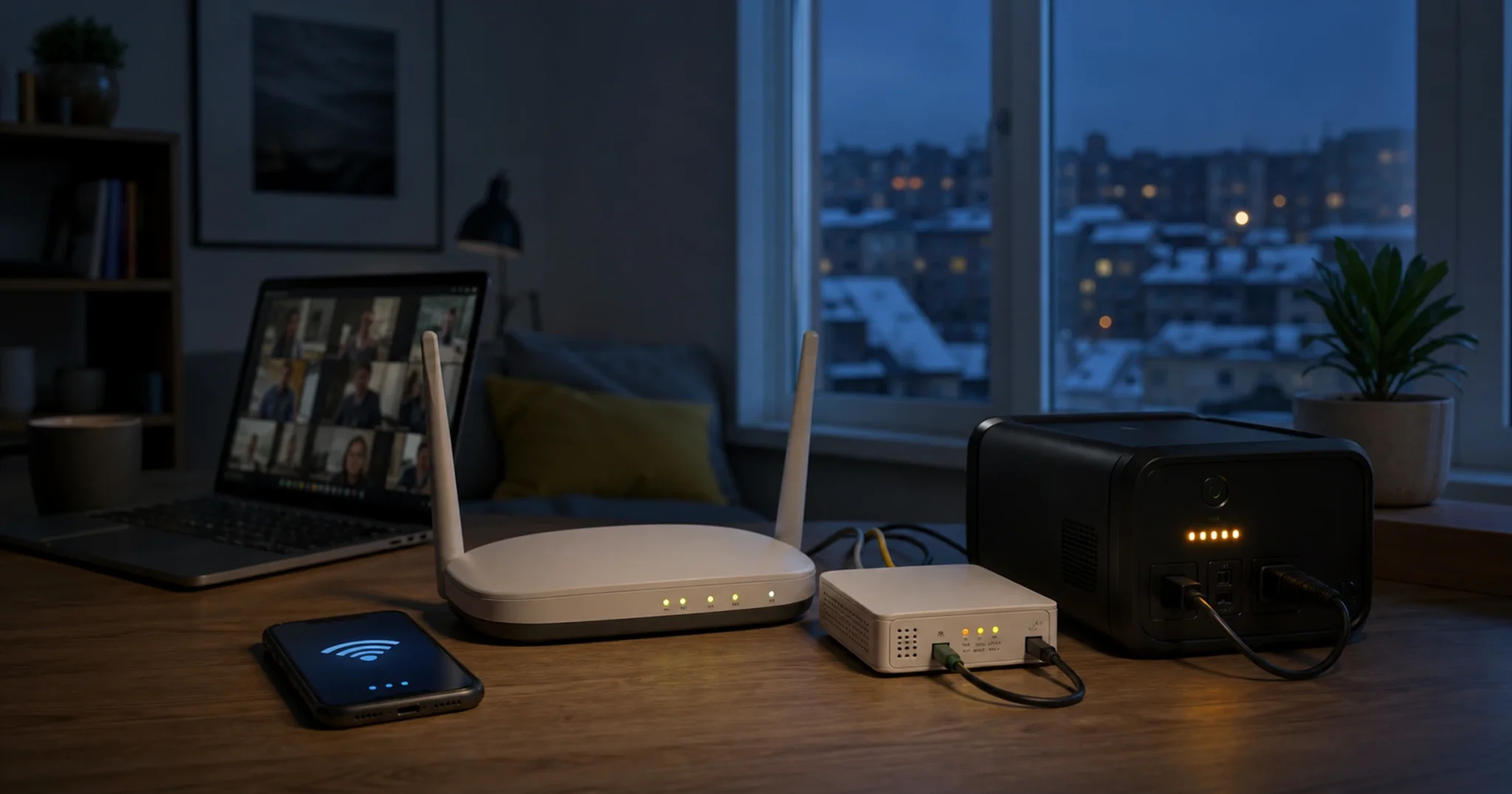
The short answer
Keeping your internet on during a blackout means powering a small load for a few hours. A home router and ONT together usually draw somewhere between 8 and 25 W, which a compact, inexpensive battery can cover for a standard outage. Match the backup device to your router’s real wattage (read the label) and to how long your outages last: a dedicated DC mini-UPS for internet only, a LiFePO4 power station if you also want to charge phones and laptops, or a whole-home system if you want lights and a fridge too.
Why your internet dies the moment the power does
Your home connection depends on three physical devices, and each one needs electricity. If any single device loses power, the connection stops. Knowing which of the three is your responsibility is the first step, because often only one or two of them are.
Node 1: the provider’s building switch
On a standard fiber-to-the-building (FTTB) connection, your provider runs fiber to an active Ethernet switch in your building’s stairwell or basement, and that switch feeds every apartment over copper cable. The switch is the provider’s equipment, you cannot power it yourself, and if it goes dark every apartment in the building loses internet no matter what you do at home. The encouraging part is that many Ukrainian providers have already addressed this layer, installing battery backup across their building nodes with published autonomy figures ranging from several hours to multiple days. The practical step is simple: ask your provider whether your building’s node has battery backup and for how many hours. If the answer covers your outage window, this node is already handled for you.
Node 2: the ONT in your apartment
If you have a GPON or PON fiber connection, a device called an ONT (Optical Network Terminal) sits inside your apartment and converts the optical signal into Ethernet for your router. Because it lives in your home, powering it is your responsibility. Modern residential ONTs are efficient, with a typical draw of 3 to 8 W (read the label on the power adapter to confirm), so adding the ONT to your backup load barely changes the runtime. A GPON connection is actually more resilient than FTTB, because there is no active switch in the stairwell to fail; you control both devices that matter.
Node 3: your Wi-Fi router
The router is the device most people picture first. It draws roughly 5 to 20 W depending on the model: a basic unit sits at the low end, a Wi-Fi 6 router higher, and a gaming or mesh router higher still. Read the label on the power adapter to find the voltage and current rating. A label of “12V 1.5A” means a maximum of 18 W, and real draw at idle is usually a good deal lower than the maximum.
How little power a router actually needs
A combined router-and-ONT load of around 15 W is similar to a single LED desk lamp, which is why a small battery goes a long way here. Put in energy terms, 15 W running for 6 hours needs 90 watt-hours (Wh) of usable energy. Watt-hours are the figure printed on most backup batteries and power stations: a 100 Wh battery can in theory deliver 100 W for one hour or 10 W for ten hours. In practice you cannot draw the full rated capacity and there are small conversion losses, so plan for usable energy a little below the label figure. The load is small enough that even a compact, low-cost battery can cover a standard outage.
How long will a battery keep it running
Use a method, not a number from a product listing. A runtime printed on a box is a best case under ideal conditions, so estimate your own instead. Usable watt-hours divided by your load in watts gives rough hours, after you account for how much of the battery you can use and for conversion losses.
Runtime (hours) = (Battery Wh × DoD × Efficiency) ÷ Load (W)- Battery Wh: the rated capacity printed on the battery or device.
- DoD (depth of discharge): how much you can safely use, around 0.80 for LiFePO4.
- Efficiency: roughly 0.97 for a DC mini-UPS that feeds DC straight to the router, or roughly 0.90 for a power station that uses an AC inverter.
- Load (W): your router plus ONT, read from the labels.
Illustrative example (use your own device’s numbers). Say your router and ONT together draw 15 W, and you have a compact DC mini-UPS with a 12 V, 10,400 mAh battery, which is about 125 Wh. The estimate is 125 × 0.80 × 0.97 ÷ 15, or roughly 6.5 hours. A larger unit of about 250 Wh gives roughly 13 hours for the same load, and a 500 Wh power station on the inverter path gives roughly a full day. These are illustrations, not promises: your real runtime depends on your devices, the battery’s true capacity, and the temperature, so always size from your own labels.
Your three backup options, honestly compared
There is no single right answer here. The best option depends on how long your outages last, whether you need to power anything beyond the router, and whether you rent or own. Below is an honest comparison of the three approaches, and what each one is genuinely good and bad at.
Tier 1: a dedicated DC mini-UPS (internet only, lowest cost)
A DC mini-UPS is a small box, about the size of a thick paperback, that sits between the wall socket and your router. It charges silently on grid power and switches to its own battery the instant the power cuts, with no gap and no router reboot. It outputs DC at the voltage your router expects (often 9 V or 12 V), so it skips the inverter entirely and delivers most of its stored energy straight to the device.
What it does well: it is the cheapest and smallest of the three, switches over with no lag so your connection never blinks, needs no setup, and some models power the router and ONT together through a split cable. Where it falls short: capacity is limited, so a small unit may not reach a long winter outage; you must match the output voltage to your router exactly, because the wrong voltage can damage it; barrel-connector sizes vary, so check the fit; and many low-cost units use ordinary lithium-ion cells rather than LiFePO4, which means a shorter useful life. Best for renters and apartments with outages of roughly 6 hours or less who want a set-and-forget box focused only on staying online.
Tier 2: a LiFePO4 portable power station (internet plus other devices)
A portable power station is a self-contained unit with a larger LiFePO4 battery, a built-in inverter, AC sockets, USB ports, and DC outputs, with capacities from around 500 Wh upward for home use. Strengths: it covers longer outages and powers more than the network gear (phones, a laptop, LED lights, a small appliance); LiFePO4 chemistry gives a long cycle life and a safer thermal profile than ordinary lithium-ion; it can be recharged from a solar panel for long or unpredictable outages; and it needs no installation. Limitations: it costs substantially more than a mini-UPS, it is heavier, the inverter path adds roughly 10 to 15% in losses, and the inverter’s own standby draw eats into runtime when the only load is a router. Best for households that want internet plus phones, a laptop, and some light through outages of 6 to 12 hours or more. The chemistry trade-offs are covered in our LiFePO4 vs. lead-acid guide.
Tier 3: an inverter-plus-battery system (whole-home backup)
A full inverter-plus-battery system wires a larger battery bank through a dedicated inverter to a critical-loads panel, so it can run a fridge, lights, a heating pump, and many devices at once. The upside: it powers the whole home rather than just the router, it scales as you add battery capacity, it integrates with solar for extended operation, and it has the lowest cost per watt-hour at larger sizes. The trade-off: it needs a proper installation, and any hardwired connection to your mains must be done by a qualified electrician; its switchover is not instant, so the router still reboots at the moment of an outage unless you add a small DC mini-UPS for the router specifically; and running a 15 W router off a kilowatt-class inverter is very inefficient. Best for homeowners who want whole-home backup or who are already adding solar. If your only goal is keeping the internet on, this tier is overkill, and our whole-home backup power guide walks through sizing it properly.
Using your backup battery safely indoors
A mini-UPS or a power station under 1 kWh carries a risk profile close to a laptop battery, so with a certified product and a few basic habits the risk stays low. Two things matter most: buying a properly certified unit, and never charging it below freezing.
Choose certified products
Look for CE marking and compliance with IEC 62619, the EU safety standard for lithium cells in stationary use; a UL listing is the equivalent for the US market. Avoid any product with no certification marks and no identifiable manufacturer, because the cells and the protection circuit are exactly where a cheap unit cuts corners. LiFePO4 chemistry is meaningfully safer for indoor use than older lithium-ion types, with a much higher thermal-runaway threshold.
The cold-charging rule (critical for Ukrainian winters)
A LiFePO4 battery must not be charged below 0 °C. Charging below freezing causes lithium plating, where metallic lithium builds up on the anode, permanently cutting capacity and risking an internal short, as Battery University (BU-410) explains. This is a chemistry limit, not a soft suggestion. A good battery management system (BMS) blocks charging automatically below 0 °C and resumes once it warms up. The same battery still discharges in the cold, typically down to around −20 °C with reduced capacity, so it will keep your router running on a freezing night; it simply must be charged somewhere warm. The practical rule for a Ukrainian winter: keep the battery indoors in a heated room, not on a balcony, in an unheated stairwell, or in a garage. This applies to both mini-UPS units and power stations.
Basic indoor habits
Keep the device out of a fully sealed, unventilated cupboard while charging, do not block its vents, keep it away from a radiator or direct sun (below 45 °C), and do not leave an unknown-brand unit charging unattended for long stretches. If a unit ever swells, smells unusual, or grows hot to the touch, move it out of the building and contact the manufacturer. One more line on installation: plug-in power stations and DC mini-UPS units are user-safe and need no electrical work, but any hardwired system tied into your mains wiring must be set up by a qualified electrician.
When to step up to whole-home backup
If the goal is only to stay online during scheduled outages, a Tier 1 or Tier 2 device is almost always enough and far cheaper than a whole-home system. Step up when you need more than internet: a fridge kept cold for food safety, medical equipment that needs reliable power, a desktop and monitors for work, or lighting and heating through long winter outages, especially if you own your home and are already weighing solar. When that is the case, our whole-home backup power guide for Ukraine covers inverter sizing, chemistry, and installation in detail.
A quick decision checklist
- Find your connection type. FTTB (Ethernet from the stairwell) or GPON (fiber straight into the apartment). Your provider or the cable into your router will tell you.
- Check the provider’s building backup. Ask whether your building node has battery backup and for how many hours. If it covers your window, Node 1 is handled.
- Read the labels on the router and ONT. Multiply voltage by current on each adapter for the maximum watts, then add the two. That is your load.
- Set a target runtime. Plan for a standard outage, and a longer figure for winter worst-case. Load (W) times target hours gives the minimum usable watt-hours you need.
- Pick a tier. Internet only and shorter outages: Tier 1. Internet plus phones and laptops, or longer outages: Tier 2. Whole-home: Tier 3 with a qualified electrician.
- Confirm voltage if you choose a mini-UPS: its output must match the router’s DC input exactly.
- Keep the battery indoors and warm in winter, and never charge it below 0 °C.
Frequently asked questions
How long will a power bank run my router?
It depends on the power bank’s watt-hours and the router’s draw: (Battery Wh × 0.80 × efficiency) ÷ load in watts gives a rough number of hours. A 20,000 mAh power bank at 5 V holds about 100 Wh, so a 10 W router might run several hours. The catch is that most power banks output 5 V over USB, which is the wrong voltage for a router that needs 9 V or 12 V. A dedicated DC mini-UPS is more reliable because it matches the router’s voltage directly.
Will a UPS keep my Wi-Fi working in a blackout?
Yes. A standard office UPS with AC outlets will keep a router running, but it is not the most efficient choice, because its inverter turns battery DC into AC and then the router’s adapter turns AC back into DC, losing energy at both steps. A dedicated DC mini-UPS skips the inverter and is better matched to the task. Either keeps your Wi-Fi on; the DC unit simply does it more efficiently.
Is it safe to keep a lithium battery in the bedroom?
For small certified devices under 1 kWh, the risk is low and similar to keeping a laptop in the room. Do not charge in a fully sealed, unventilated space, do not leave an uncertified unit charging unattended overnight, and keep it away from heat. LiFePO4 chemistry is notably safer indoors than older lithium-ion types. The safest place to charge is a ventilated room where someone is nearby.
Do I need to back up the ONT too?
If you have a GPON or PON fiber connection, yes. The ONT converts the fiber signal to Ethernet and sits in your apartment, so without power it stops and your internet stops with it. Modern ONTs draw only 3 to 8 W, so adding one to your backup load barely affects runtime, and some DC mini-UPS models include a second output to power the router and ONT together.
What if my provider’s building switch loses power?
On an FTTB connection, if the stairwell switch loses power your internet stops regardless of your home backup, because that node is outside your control. Ask your provider whether your building node has battery backup; many Ukrainian providers have invested in this since 2024. If yours is not yet backed up, ask about moving to a GPON connection, which removes the stairwell dependency entirely.
Can I charge a power station on the balcony in winter?
No. A LiFePO4 battery must not be charged below 0 °C, because charging below freezing causes lithium plating and permanent damage. Keep the battery indoors in a heated room. It will discharge normally in the cold, typically down to around −20 °C with reduced capacity, but charging has to happen above 0 °C. Some larger systems include built-in heating that allows cold-temperature charging, so check the specification if that applies to you.
The right next step
Keeping your internet on through a scheduled blackout is a small, solvable problem: the load is light, the hardware is straightforward, and the cost runs from modest to substantial depending on how much capacity you want. If you are ready to choose, browse our backup power product range, or compare the options side by side in the backup power system guide. If you are a dealer or installer serving customers in Ukraine, our partners page explains how to work with us.